Final Assembly
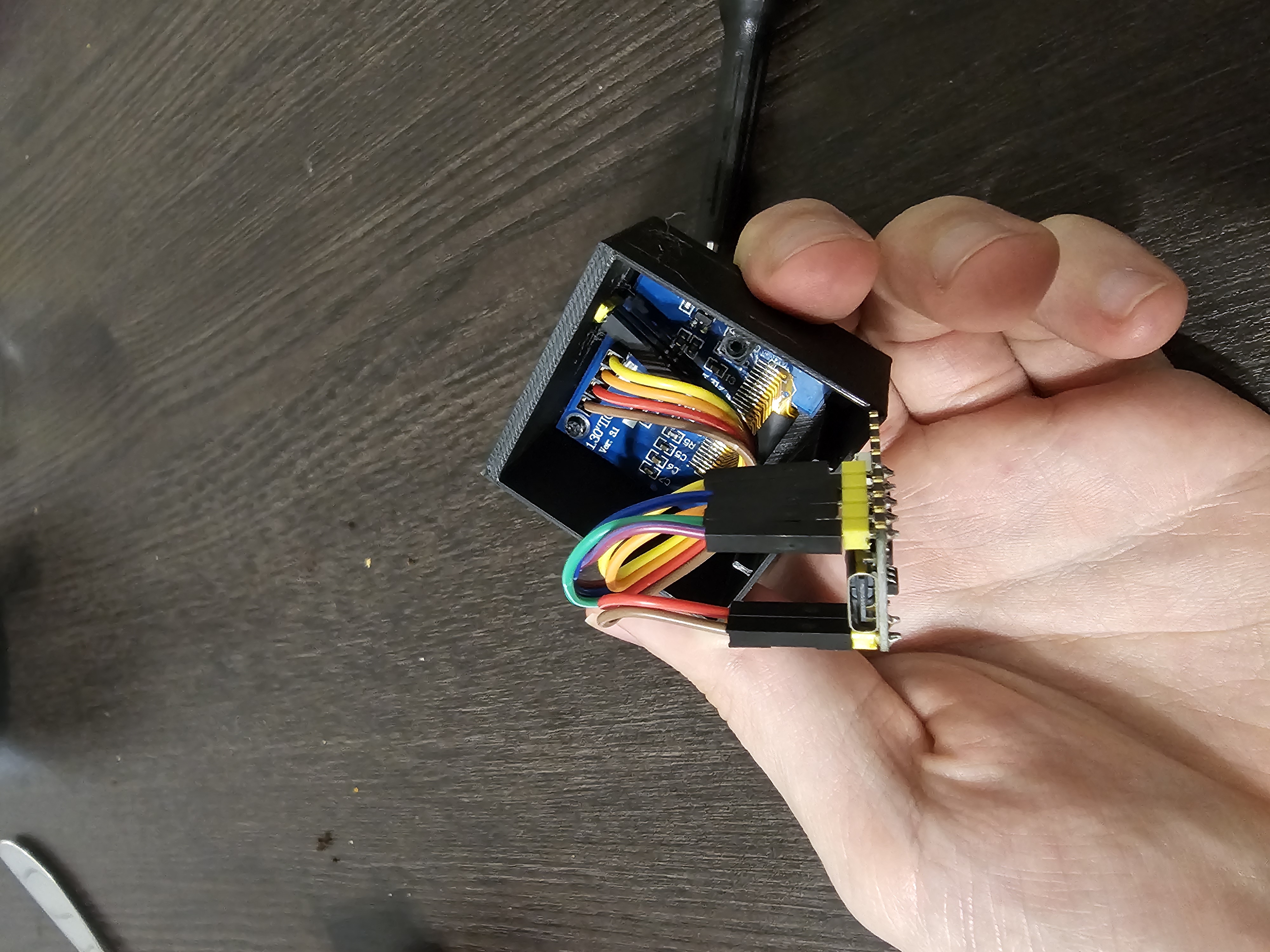
Step 7Seat the OLED display into the front opening of the body. It should sit flush with the face cutout.
Place the touch sensor against the top of the body, then close the back panel and secure it with the two screws.
Tuck the RP2040 and wiring into the body cavity. The USB port should align with the opening in the back panel.
Plug in via USB and you are done.